Understand your voice
Start with a guided assessment of your comfortable range, pitch, rhythm, stability and listening skills. See your starting point in your voice profile.
Now available for iPhone
Meet Thavoca, your personal singing coach. Find out where your voice is today, practise the skills you need and follow your progress as you grow.
Guided exercises. Personal feedback. A clear next step.
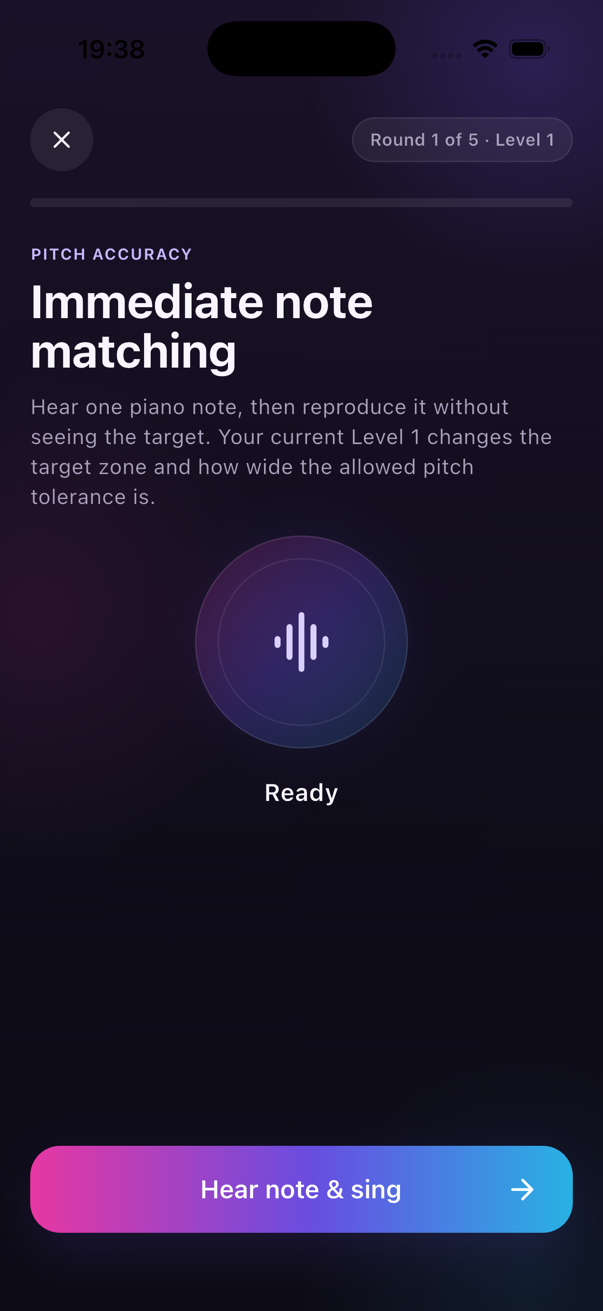 One note. One step forward.
FROM “WHERE DO I START?” TO DAILY PRACTICE
Thavoca connects your voice assessment, exercises and progress. So you know what to work on when you open the app.
Start with a guided assessment of your comfortable range, pitch, rhythm, stability and listening skills. See your starting point in your voice profile.
Follow a focused session with a warm-up and exercises based on your current priorities. Listen, sing and use the feedback to adjust your next attempt.
Your learning path adapts as you practise. Thavoca adjusts difficulty and support as your skills develop, helping you become more independent.
This is Thavoca
Explore your daily session, learning path and voice profile. Select a screen to see how Thavoca brings your practice together.
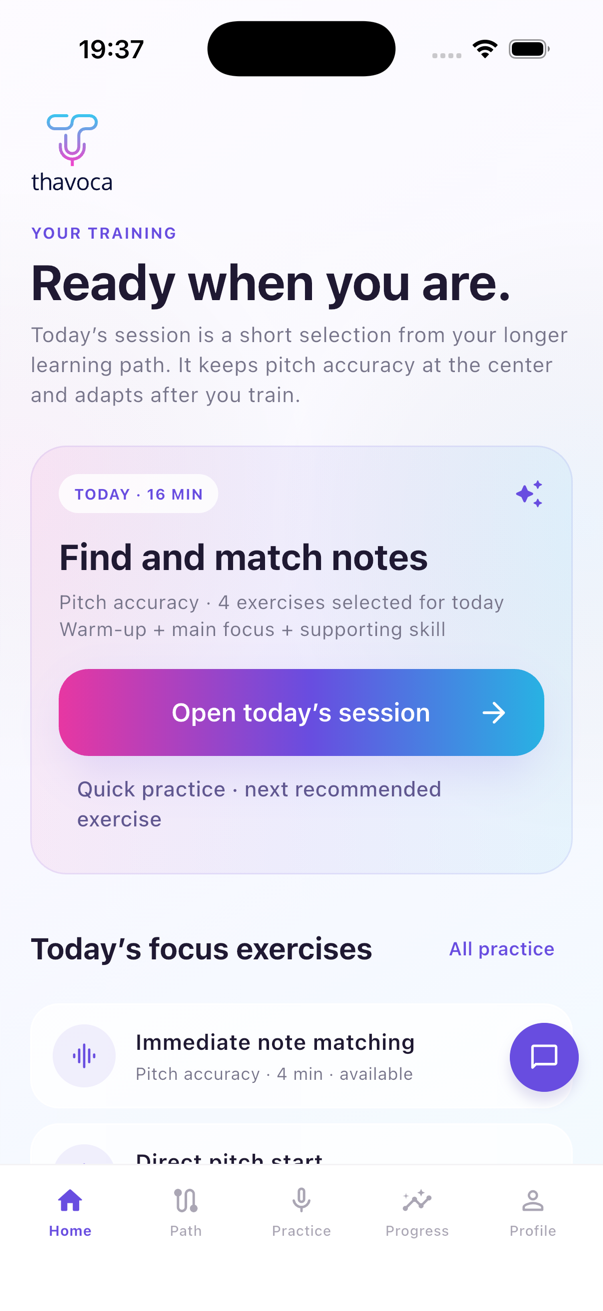
Thavoca turns your current priority into a focused daily session — warm-up, main skill and supporting work included.
WHAT DOES PRACTICE LOOK LIKE?
Listen to a target note, then sing it back. Thavoca listens to your attempt and gives you feedback, so you can work on matching the note.
If you need help, the exercise adds support. As you improve, that support steps back. The aim is to help you sing with more independence.
Try the free web pitch detector ↗The web detector is a separate tool. Your personal learning path lives in the iPhone app.SEE THAVOCA IN ACTION
Watch how assessment, feedback and daily practice come together.
MORE WAYS TO EXPLORE
GOOD TO KNOW
Thavoca is an iPhone singing practice app. It brings together a voice assessment, a personal learning path, guided exercises and feedback on your practice.
You can start by discovering your current skills. The assessment gives you a starting point, and your exercises adapt as you practise.
Thavoca is available on the App Store for iPhone. Use any download button on this page to open the app listing and see current availability and pricing.
The free pitch detector and Melody Studio are browser tools you can explore separately. The iPhone app brings assessment, personal practice and your learning path together.
YOUR NEXT NOTE STARTS HERE
Open Thavoca. Find your starting point. Take the next step.
Download on theApp Store